Quick summary — Most local business owners look at Google Ads and feel instantly lost. This google ads for local businesses beginners guide step by step removes that confusion. You will have your first campaign live before the end of this week without needing any technical background at all.
- Google Ads shows your business to people already searching for what you sell right now.
- A Search campaign with local keywords is the right starting point for any local business.
- Set up conversion tracking before you spend a single dollar or the data is useless.
- Start with $300 to $500 per month and only scale when the numbers tell you to.
- Most local businesses see their first leads within 7 to 14 days of launching.
Why google ads for local businesses beginners guide step by step knowledge pays off fast
Your competitors buy Google Ads. So when a nearby customer searches for your service, a rival ad appears before your organic listing. Knowing google ads for local businesses beginners guide step by step means you show up in that same moment with your own ad.
Google Ads works on intent. A person typing “best pizza near me” wants to eat tonight. A person typing “realtor in [city]” wants to buy or sell soon. You pay to appear at the exact moment that decision forms. That is why Google Ads converts better than almost every other paid channel for local businesses.
According to Think with Google’s local search data [opens in new tab], 76% of people who search for something nearby visit a related business within one day. Your ad appears right inside that decision window at the precise moment buyers act.
And here is the thing that makes Google Ads different from social media ads. You do not interrupt anyone mid-scroll. You show up when someone actively looks for you. That search intent is worth paying for. No other paid channel puts you that close to a buyer who already wants what you offer.
How to start Google Ads with a small budget without wasting your first dollars
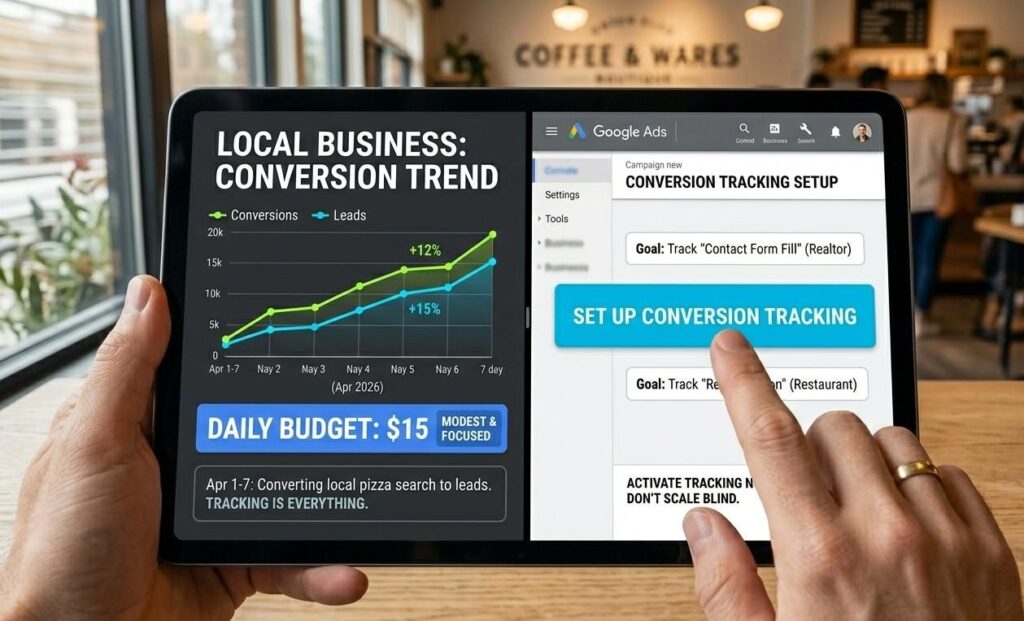
How to start google ads small budget starts with one firm rule. Set up conversion tracking before you write a single ad headline. Conversion tracking tells Google what a win looks like for your business. Without it, Google has no signal to learn from. And without that signal, your budget disappears without producing any useful data or leads.
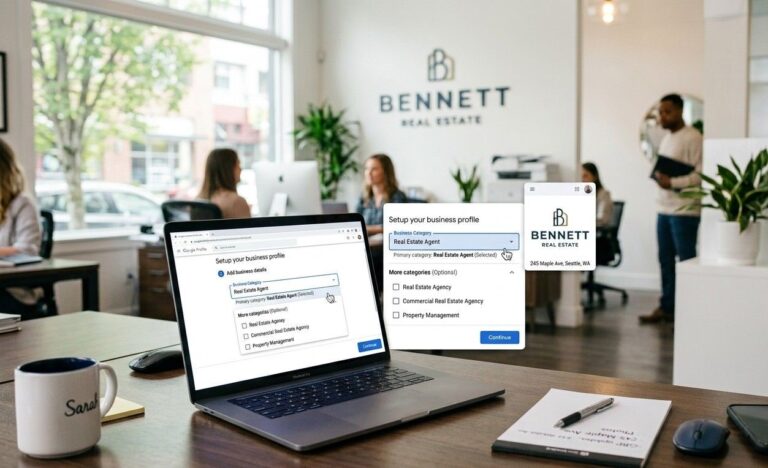
Go to ads.google.com and click “New campaign.” Link your website. Then go to Tools, click Conversions and add a website conversion event. For a restaurant, a win is a phone call or a reservation form fill. For a realtor, a win is a contact form submission.
Why a $300 monthly budget outperforms a $3,000 one without a plan
A small focused budget teaches you more than a large scattered one. When you start with $300 to $500 per month, every click matters. You watch what works closely. You cut what does not immediately. After 60 days of that discipline, you know exactly which keywords and which ad copy produce real leads. Then you scale up with confidence.
Starting big with no plan burns money and produces panic. Starting small with clear tracking produces data and direction. The google ads for local businesses beginners guide step by step approach always starts at the smallest effective budget first.
Google ads campaign setup tutorial: five steps every beginner must follow in order
A google ads campaign setup tutorial that skips steps causes real problems later. Follow these five steps in order and your campaign launches clean from the start.
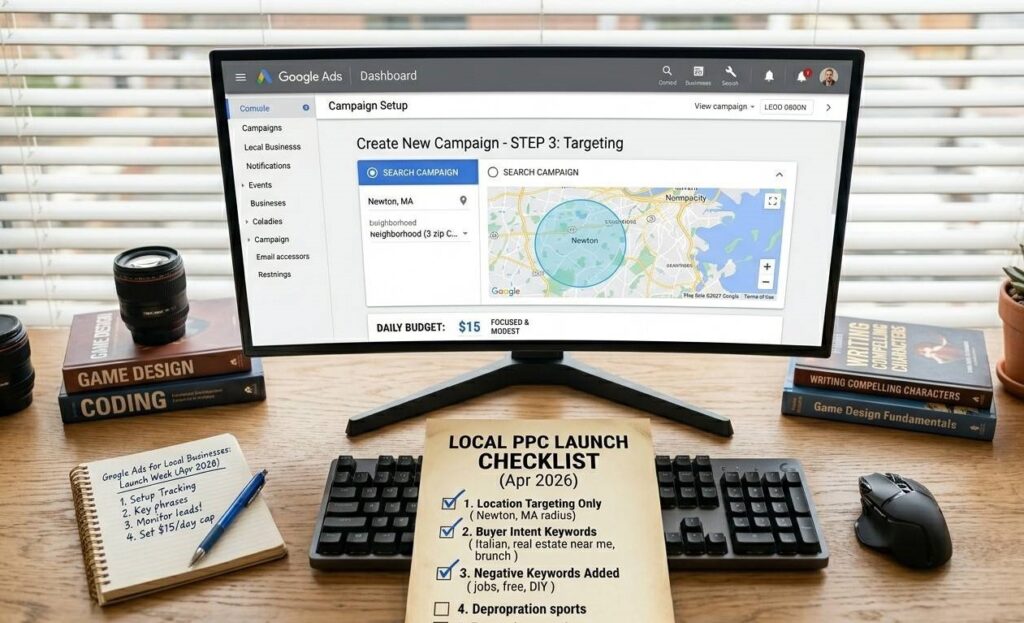
First, choose Search as your campaign type. Search ads appear when someone types a specific keyword into Google. That active search intent is your biggest advantage as a local business. Display and Performance Max campaigns need more account history and data. Save both for after your first 90 days.
Second, set your location targeting to your exact service area only. If you serve three zip codes, target exactly those three. Every click from outside your area wastes budget on someone you can never help convert into a customer.
Third, build your keyword list around buyer intent. Use phrases like “Italian restaurant [city],” “real estate agent near me” and “brunch [neighborhood].” Then add negative keywords from day one. Words like “jobs,” “free” and “DIY” attract people who will never become paying customers. Block them before you pay for their clicks.
Fourth, write your ads. Each ad takes three headlines and two descriptions. Put your strongest benefit in headline one. Put your location or a trust signal in headline two. Put your call to action in headline three. Keep every headline under 30 characters and every description under 90 characters.
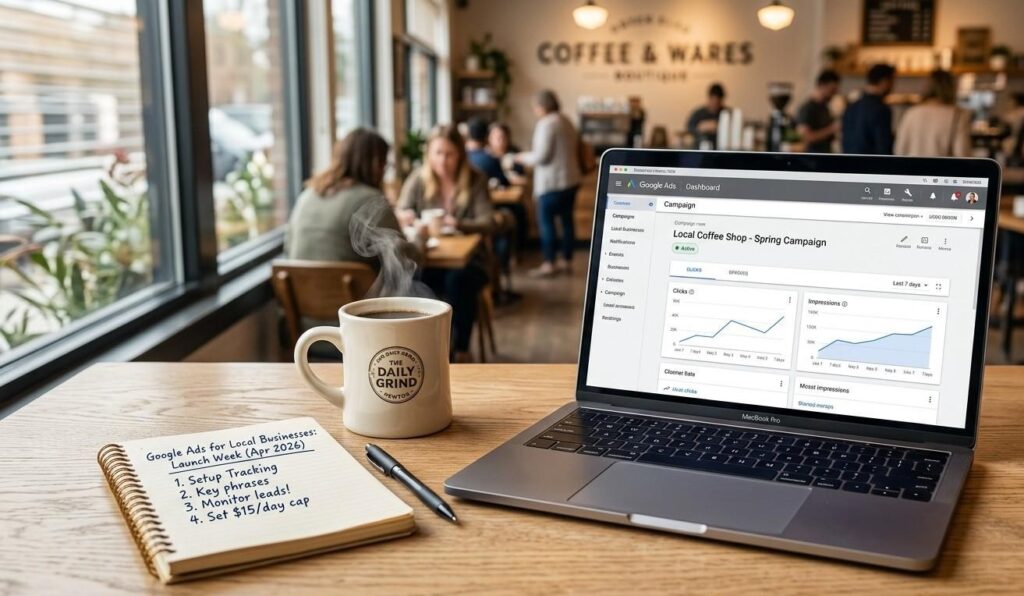
Fifth, set your daily budget. Divide your monthly budget by 30 and use that number as your daily cap. Google sometimes spends up to twice your daily cap on strong traffic days but never exceeds your monthly total. A $15 daily cap keeps a $450 monthly plan on track.
Our detailed guide on Google Ads for restaurants and our post on Google Ads for real estate agents step by step both show how this exact setup applies to each niche in practice.
Google ads tips for beginners 2025: what Google rewards and what it punishes
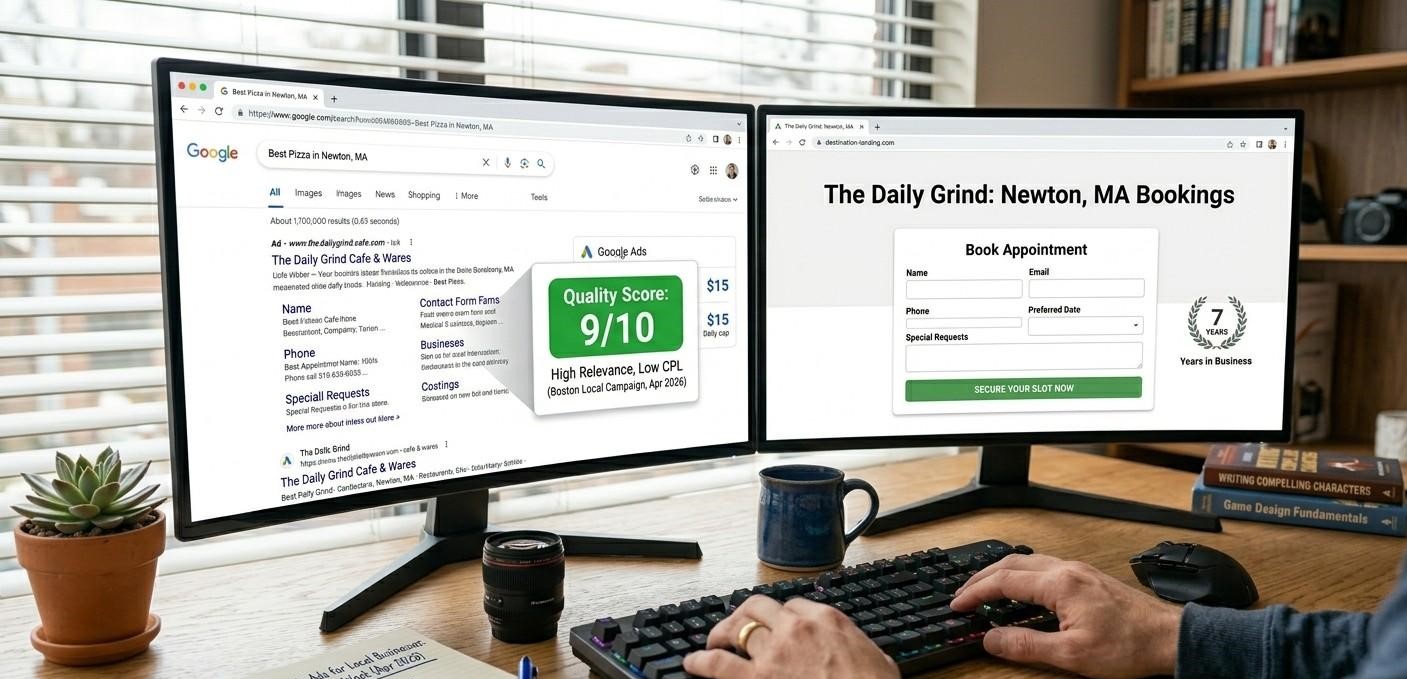
The google ads tips for beginners 2025 that save the most money all point to one insight. Google rewards relevance. The more relevant your ad and your landing page are to the search, the less you pay per click. Google calls that relevance score Quality Score and it runs from 1 to 10.
A Quality Score of 7 or higher means you pay less per click than a competitor with a score of 4, even if that competitor bids more money. You earn a high Quality Score by matching your headline to the search term, sending traffic to a page that directly answers the search and getting a strong click-through rate when your ad appears.
So your landing page matters as much as your ad copy. If your ad says “Best Pizza in Austin” but your landing page promotes your full menu and your catering packages, Quality Score drops and your cost per click rises. Match the message exactly. One clear ad, one focused landing page, one specific offer.
Google’s Quality Score guidance [opens in new tab] explains exactly how each component affects your cost per click. Read it once before you launch and it saves real money from the first day.
How to build a landing page that turns ad clicks into booked calls and form fills
Your ad gets the click. Your landing page gets the lead. Most beginners send Google Ads traffic to their homepage and then wonder why nobody calls back. A homepage has too many exits. A focused landing page has exactly one goal.
Remove your navigation menu from the landing page. Take away every link that leads somewhere else. The only two choices a visitor gets are: fill the form or close the tab. That single focus lifts conversion rate every time without changing anything else about your campaign.
Your headline must match your ad headline word for word. If your ad says “Google Ads for Restaurants, Get More Bookings,” your landing page headline says exactly that. A mismatch loses a visitor in under three seconds and wastes the click cost entirely.
Add one trust signal above the fold. A professional photo, your years in business and a short review count all build confidence in seconds. Put your form or phone number right next to that trust signal. Keep your form short: name, email and phone only. A clean focused page with those elements converts far better than any full homepage ever will.
Our Google Ads management service builds both the campaigns and the landing pages for restaurants and realtors who want results from day one without doing all the setup work alone.
What to check every week after your google ads for local businesses campaign goes live
Most beginners launch a campaign and then check it once a month. By then, budget is spent and patterns are impossible to read cleanly. Check your campaign three times a week in the first 30 days. Check it weekly after that point.
Four numbers tell you whether your campaign runs well. Click-through rate shows whether your ad copy matches what searchers actually want. Cost per click shows whether your Quality Score stays competitive. Conversion rate shows whether your landing page convinces visitors to act. Cost per lead shows whether the whole system produces a profit.
Search Engine Journal’s Google Ads benchmarks report [opens in new tab] publishes average click-through rates and cost per click figures by industry each year. Check your numbers against those benchmarks to know if your campaign runs above or below the market for your niche.
Also check your search terms report every single week. That report shows the exact phrases people typed before your ad appeared. Some phrases are perfect matches. Others waste budget completely. Add every irrelevant phrase to your negative keyword list right away. That one weekly habit stops wasted spend faster than any other action you can take.
Pair your Google Ads results with a strong organic presence. Our guide on how to rank higher on Google Maps for local businesses shows how both paid and organic local channels work together to fill your pipeline.
The hardest part of the google ads for local businesses beginners guide step by step is not the setup. It is making the decision to start. Pick one step from this post and act on it before today ends. And if you want a team to build and run your full campaign from day one, our Google Ads management team is ready. Talk to us here.
Frequently Asked Questions
Q: How much money do I need to start Google Ads?
Start with $300 to $500 per month. That gives you enough daily budget to collect real data without risking a large sum before you know what works. Most local businesses in moderate competition areas see their first leads within that range in 2 to 3 weeks. The google ads for local businesses beginners guide step by step approach always starts small and scales only after data shows clear results. Patience in those first 30 days protects your budget long term.
Q: What type of Google Ads campaign should a local business use?
Start with a Search campaign. Search ads appear when someone types a specific keyword into Google. That active search intent gives you the tightest connection to a buyer who already wants what you offer. Avoid Performance Max campaigns until your account has at least 30 conversions. Avoid Display campaigns for your first three months. Search gives you the most control over who sees your ads and what they searched before clicking your listing.
Q: How do I set up a Google Ads account from scratch?
Go to ads.google.com and click “Start now.” Link your website and your Google Business Profile. Set up billing. Then go to Tools and set up conversion tracking before anything else. Choose Search as your first campaign type. Set your location to your service area only. Build a keyword list of 10 to 20 buyer-intent phrases. Write your headlines and descriptions. Set your daily budget. Launch and check results after 72 hours of live data.
Q: What is a good budget for Google Ads for a small business?
A good starting budget is $10 to $20 per day, which gives you $300 to $600 per month. That range gives Google enough daily spend to serve ads consistently and enough monthly volume to produce meaningful data. The google ads for local businesses beginners guide step by step always recommends holding that budget steady for 30 full days before making any changes. Adjusting your budget too early resets Google’s learning and wastes the data you already paid to collect.
Q: How long does it take to see results from Google Ads?
Most local businesses see their first leads within 7 to 14 days of launching a well-built campaign. The first 30 days produce data more than volume. Google uses that data to identify your best-converting search patterns. By day 45 to 60, a properly structured campaign typically settles into a consistent cost per lead. Give it that full window before making any major structural changes to the campaign.
Q: What is the difference between Google Ads and Google My Business?
Google My Business (now called Google Business Profile) is a free listing that shows your business in Maps and local search results. Google Ads is a paid system that places your ad at the very top of search results for keywords you choose and pay for. Both work together. Your Google Business Profile builds free local visibility over time. Google Ads puts you at the top immediately while that organic presence builds. Use both together for the strongest combined result.
Q: How do I know if my Google Ads are actually working?
Track four numbers every week: click-through rate, cost per click, conversion rate and cost per lead. A click-through rate above 5% on a local Search campaign shows your ad copy connects with searchers. A cost per lead below your average client value shows positive ROI. If clicks arrive but no leads come through, your landing page needs work. If your ad rarely appears, your bid or your Quality Score needs attention.