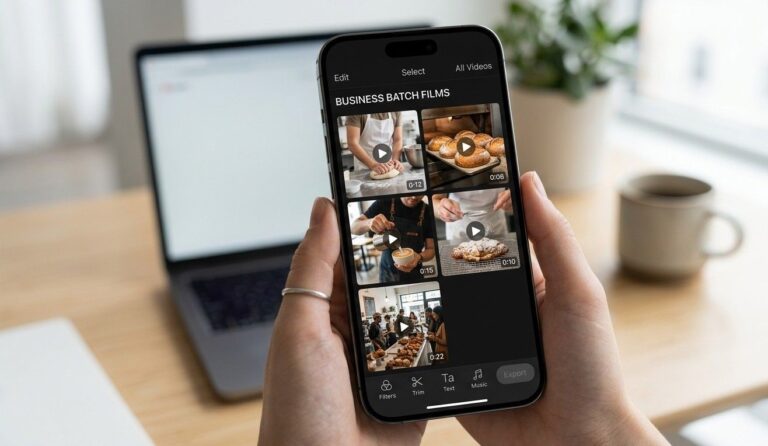
Quick summary — You know video drives more reach than photos. But hiring a crew costs more than your monthly marketing budget and takes days you do not have. Knowing how to create ai video content for small business marketing changes that equation completely. You get polished videos in under 30 minutes at a fraction of the old cost.
- AI video tools turn photos, scripts and text into finished marketing videos automatically.
- You do not need filming skills, editing experience or expensive equipment.
- Most strong AI video tools cost less than $30 per month for a small business.
- Short AI videos posted consistently on social media build real brand awareness fast.
- Restaurants and realtors both have natural content that AI tools produce exceptionally well.
Why learning how to create ai video content for small business marketing pays off fast
Video gets more reach than every other content format on every major platform. But most small business owners skip video because the old process felt too hard. Filming took time. Editing took skill. Hiring someone cost real money. AI removes all three barriers at once.
So the payoff from knowing how to create ai video content for small business marketing is immediate. You post your first video this week. It goes on Instagram, Facebook and your Google Business Profile. Each platform shows it to new local buyers or diners who never saw your name before.
And here is the thing that makes AI video different from stock footage or templated graphics. The content feels like yours. You control the message, the branding and the call to action. The AI just handles the production work that used to take hours.
According to Think with Google’s video content research [opens in new tab], short-form video produces the highest return on marketing spend of any content format for local businesses. That data makes a strong case for making AI video a weekly habit rather than an occasional experiment.
The best AI video tools for small businesses 2025: what each one does best
The best ai video tools for small businesses 2025 fall into two groups. The first group takes your existing photos or text and builds a finished video automatically. The second group helps you record, edit and polish videos you film yourself on your phone. Most small businesses use one from each group.
Photo-to-video tools that work without any filming at all
Lumen5 and Pictory both take your text or images and produce a smooth finished video with transitions, music and captions. You upload your content, choose a style and the tool builds the video in minutes. Both produce results strong enough for Instagram Reels, Facebook and your Google Business Profile posts.
Pictory also pulls clips from a blog post or a script you type and turns them into a narrated video automatically. For a restaurant, that means pasting your weekly specials into the tool and getting a 45-second promo video out the other side. For a realtor, that means typing a neighborhood description and getting a short tour video ready to post.
Phone-based editing tools that make your own footage look professional
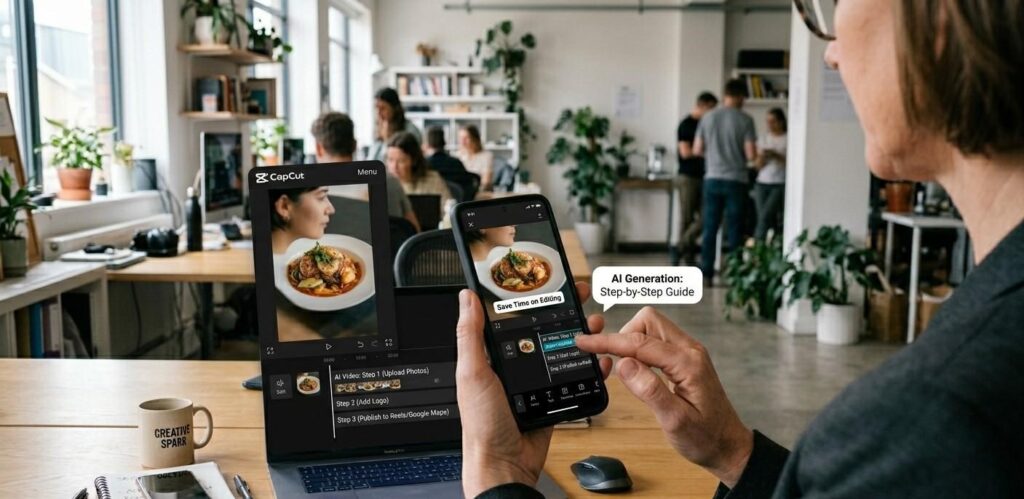
CapCut works on your phone and adds captions, music and transitions in under 10 minutes. It is free and produces content that performs well on every short-form platform. InShot does the same job with a slightly simpler layout. Both tools give your self-filmed content a polished finish without any technical skills.

How to make marketing videos with AI: a simple weekly process for local businesses
How to make marketing videos with ai starts with one decision. Pick your output first. Where will this video live? Instagram Reels and TikTok want vertical videos between 30 and 60 seconds. Your website works best with a landscape video between 60 and 90 seconds. Your Google Business Profile posts work with either format.
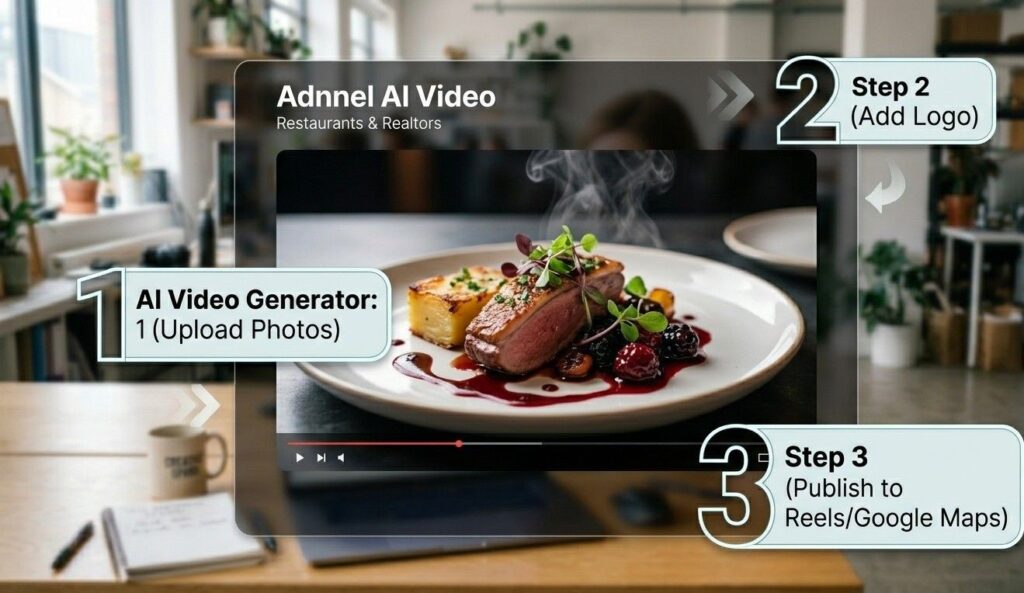
Once you know the output, the rest takes 20 minutes. For a photo-to-video tool like Lumen5, open the tool, paste your script or upload your photos, choose a music track and add your logo. The tool produces a draft. You review it, make small tweaks and export. Done.
For phone-filmed content edited with CapCut, film your clip first. Then open CapCut, import the clip, add auto-captions with one tap and pick a background music track. Export and post. The whole process from filming to posting takes less than 30 minutes once you run through it twice.
Our AI video content service handles this full production process for restaurants and realtors who want a steady stream of videos without doing the work themselves each week.
How to create ai video content for small business marketing: what to film and say
Knowing how to create ai video content for small business marketing is one thing. Knowing what content to produce is the part most business owners get stuck on. The good news is, your best video content already exists in your business. You just need a system to pull it out.
For restaurants, four content types work consistently. First, a dish being made from start to finish. Second, a behind-the-scenes look at morning prep. Third, a team member talking about their favorite item on the menu. Fourth, a short customer story told through text-on-screen captions over a photo. Rotate through those four and you always have fresh content.
For realtors, three formats drive the most engagement. A neighborhood tour filmed on your phone and narrated with CapCut. A market update where you share one local stat in 45 seconds. And a client win story told through text captions over a photo of the sold property. Our guide on how to use AI video for real estate marketing goes deeper on each of these formats.
Post each video with a location tag and a short caption that ends with one clear call to action. “Book a table here” or “Message me about this neighborhood” both convert far better than a caption that just describes the video.
AI video generator for local business: how to add your brand to every video
An ai video generator for local business produces clean output fast. But without your branding, every video looks like it came from a template. Add three things to every single video before you post it.
First, add your logo in the top left or bottom right corner. Every major AI video tool has a logo overlay option. Use it every time. A viewer who watches your video and then scrolls away still sees your logo as the last frame. That recall adds up.
Second, add your phone number or website URL as a text overlay in the final three seconds. That call to action works even for viewers who watch the video without sound.
Third, use consistent colors across every video. If your brand uses a specific shade of orange or navy, apply those colors to your text overlays and captions. Consistent branding across 20 videos builds far more recognition than 20 perfectly individual videos that look nothing alike.
Our post on how to create a social media content calendar for local business shows how to schedule your branded AI videos across every platform in one weekly planning session.
Backlinko’s social media video research [opens in new tab] found that branded video content gets 80% more recall than unbranded video content from the same creator. That gap makes consistent branding one of the highest-return investments you make in your video strategy.
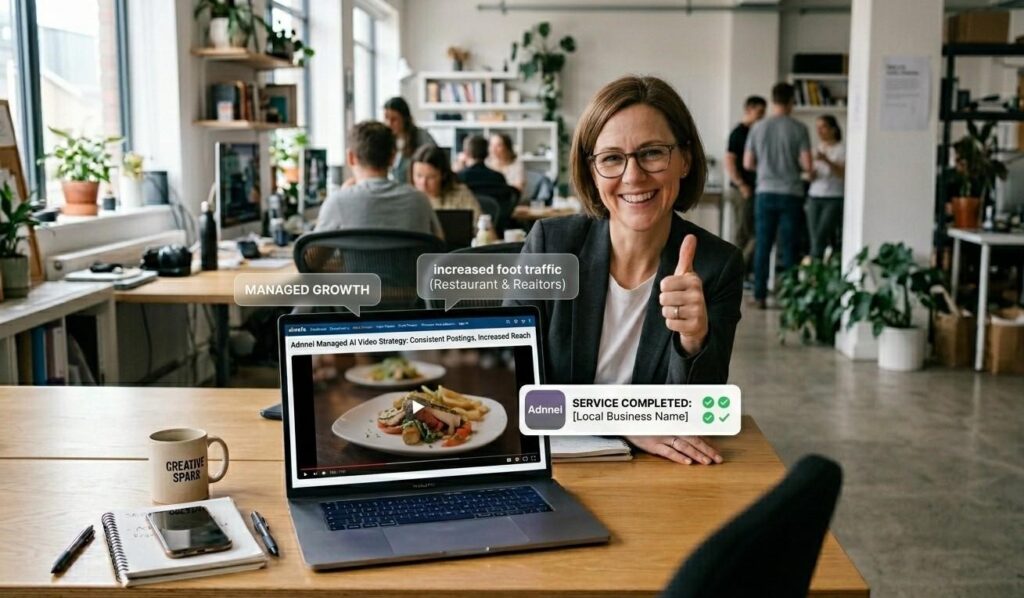
How to add AI videos to your website and social media without breaking anything
Getting your finished video onto the right platforms takes less than five minutes per platform. For Instagram and TikTok, export your video in MP4 format at 1080p. That format plays cleanly on both platforms without any compression problems.
For Facebook, upload directly rather than sharing from Instagram. Direct uploads get more reach on Facebook than cross-posted content from another platform every time. For your website, upload the video to YouTube or Vimeo first. Then embed that link on your site rather than hosting the raw file. A hosted video file slows your page load speed. An embedded YouTube video does not.
For your Google Business Profile, use the post feature to add a short video update each week. Profiles with recent video posts rank higher in local map results than those with only photo posts, according to Google’s own Business Profile guidelines [opens in new tab]. That single habit of posting one AI video to your profile each week lifts your local search visibility with no extra cost.
Our social media management service handles posting and scheduling across every platform for local businesses who want consistent video presence without the weekly admin.
Your first AI video does not need to be perfect. It just needs to go live today. Pick one tool from this post and use it to make one video about your business before the end of this week. And if you want a team to handle how to create ai video content for small business marketing on your behalf, our social media team is ready. Talk to us here.
Frequently Asked Questions
Q: What is AI video content and how does it work?
AI video content uses software to build finished marketing videos from photos, text or scripts without any filming or editing skills. You give the tool your inputs and it produces a video with transitions, music, captions and text overlays automatically. The result looks professional because the AI handles the design work. You focus on the message and the tool handles everything else from start to finish.
Q: What is the best free AI video tool for small businesses?
CapCut is the strongest free option for small businesses right now. It works on your phone and adds captions, music and transitions in under 10 minutes. For browser-based creation from text or photos, Lumen5 offers a solid free plan that covers basic video needs. Both tools produce content good enough for Instagram Reels and Facebook. Start with CapCut if you film on your phone and Lumen5 if you want to turn text into video.
Q: How do I use AI videos for social media marketing?
Post one AI video per platform three to four times a week. Use vertical format for Instagram Reels and TikTok. Use landscape for Facebook and YouTube. Add your logo and a call to action to every video before posting. Tag your location in every post. Knowing how to create ai video content for small business marketing means treating video as a weekly habit rather than an occasional project. Consistency drives reach far more than production quality.
Q: Can AI replace a professional videographer?
For everyday social media content, yes. AI tools produce video fast enough and at a quality level strong enough for Instagram, TikTok and Facebook. For a hero video on your homepage, a brand film or a high-end property tour, a professional videographer still delivers better results. Use AI for your weekly content volume and bring in a professional once or twice a year for your most important brand moments. Both roles serve a different purpose.
Q: How much does AI video content cost?
Most strong AI video tools cost between $15 and $50 per month for a small business plan. CapCut and the basic plan of Lumen5 both offer free tiers that cover enough output for three to four videos per week. Paid plans unlock higher export quality and more template options. Compare that to the $500 to $2,000 cost of a single professionally produced video and the math clearly favors learning how to create ai video content for small business marketing yourself.
Q: How do I add AI videos to my website and social media?
Export your video as an MP4 at 1080p. Upload directly to Instagram, TikTok and Facebook from your phone or desktop. For your website, upload to YouTube first then embed the YouTube link on your page rather than hosting the raw file. This keeps your site fast. For your Google Business Profile, use the post feature and add a short video update each week. That weekly video post lifts your local search visibility over time.
Q: How long does it take to make an AI video for my small business?
Your first video takes about 30 to 45 minutes because you learn the tool as you go. By your fifth video, the whole process takes under 20 minutes from start to posted. Batching helps further. If you sit down and make four videos in one session, each one takes about 15 minutes. That means one hour of focused work gives you a full week of video content across every platform. That time investment pays back fast.