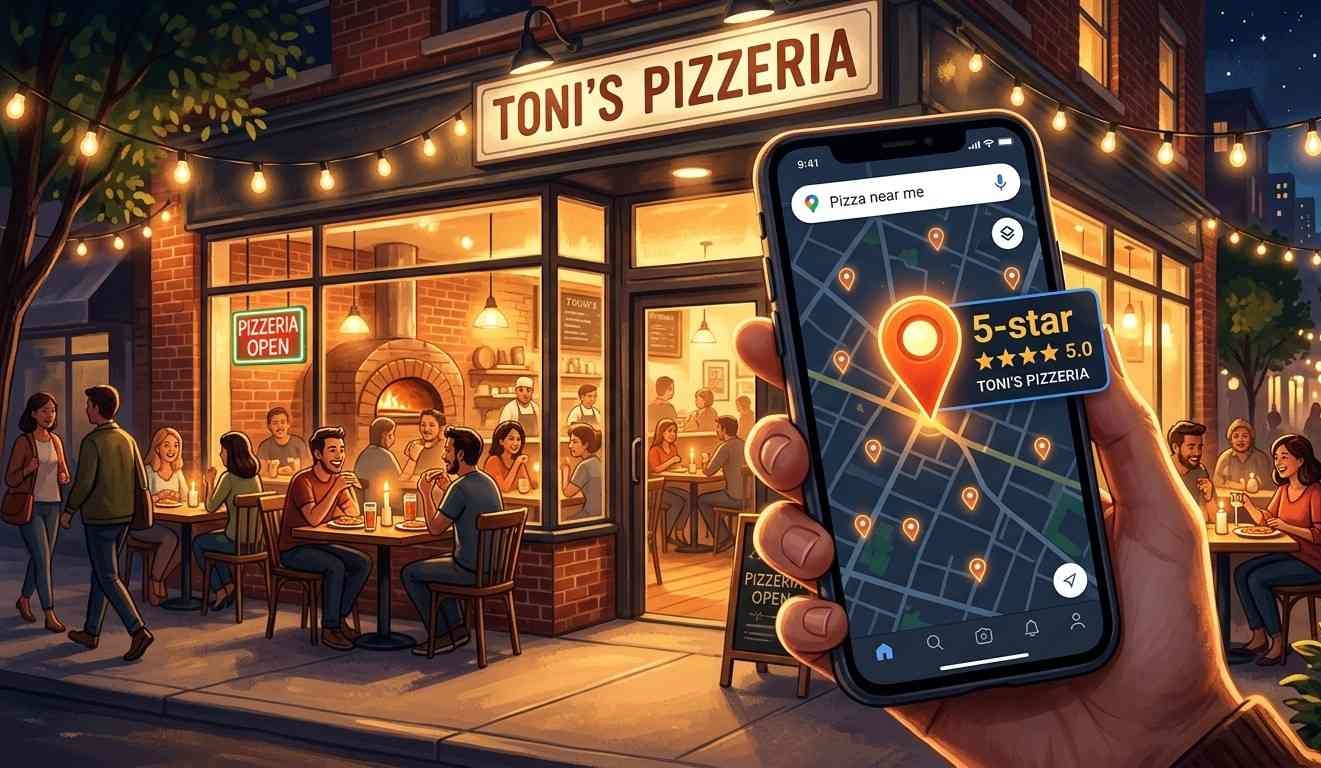
Quick summary — Your food is great. Your service is warm. But when someone types “best pizza near me,” your restaurant doesn’t appear. Getting found on Google doesn’t take a massive budget or a tech team. It takes the right moves, done in the right order.
- Your Google Business Profile matters more than your website for local search.
- Local keywords beat broad terms every time for attracting nearby diners.
- A fast, mobile-friendly site keeps both Google and your guests happy.
- Consistent directory listings build Google’s trust in your business.
- SEO results for restaurants typically show up within 3 to 6 months.
Why most restaurant websites don’t show up on Google
Most restaurant websites look great. Big food photos, a clean layout and a phone number right at the top. But Google doesn’t rank on looks. Google ranks sites it can read and understand, and many restaurant sites make that surprisingly hard.
Think about what Google actually does. It visits your site and reads your text. Then it tries to figure out what you serve and where you are. If your text is thin and your menu hides inside a PDF, Google can’t place you. So it doesn’t.
Here is the thing: restaurant SEO is a local game. You’re not competing with every restaurant in the country. You just need to be the clearest, most relevant option in your city or neighborhood. That’s a far smaller problem to solve than most owners think.
Start by reading your own homepage like a first-time visitor. Does it name your cuisine? Does it mention your city or area? If the answer to either is no, that’s your first fix.
For example, a page title that says just “Home” gives Google almost nothing useful. A title like “Authentic Lebanese Food in Chicago | Beirut Bites” tells Google exactly where to rank you. Also make sure your full address appears as plain text on your homepage and contact page. Google cannot read text inside images or graphics.
Most restaurant owners skip these basics. Doing them puts you ahead of local competitors faster than you’d expect.

The Google Business Profile mistake that’s costing you foot traffic
Your Google Business Profile (GBP) is the info panel that appears when someone searches your restaurant on Google. It shows your hours, address, photos, menu link and reviews. For local search, this profile often carries more ranking weight than your actual website.
Yet most restaurant owners fill in the basics and never revisit the profile again. That one habit costs more foot traffic than they realise.
Why your business category changes where you show up on Google Maps
Google uses your primary category to decide when to show your listing in searches. Most owners pick “Restaurant” and stop there. But “Mexican Restaurant” or “Seafood Restaurant” tells Google exactly what you serve. The more specific your category, the more relevant searches you match. Google’s own documentation on business categoriesconfirms this is one of your highest-impact local settings.
How replying to reviews actively helps your ranking
Google watches how alive your profile is. Responding to every review, good or bad, tells Google your business is actively managed by real people. Short, honest replies work better than long generic ones. And when a guest sees that you respond, they trust you more before walking through your door.
Post something fresh to your GBP at least once a week. A new dish photo, a note about upcoming holiday hours or a seasonal update all count. These small actions signal to Google that your business is open and worth showing to people nearby.
How to pick keywords that bring real local diners to your site
Keywords are the words people type into Google when they want food. Your job is to match those words on your website. But picking the right ones is where most beginners go wrong.
“Restaurant” alone is far too broad. Nobody types just “restaurant.” They type “Thai food near downtown Nashville” or “best brunch in Brooklyn.” Those longer, location-specific phrases are called long-tail keywords. They draw fewer searches but attract people who are nearby and ready to eat now.
Start by writing down five things a nearby customer might search to find what you serve. Add your city, neighborhood or a local landmark to each phrase. “Halal burgers near Times Square” beats “halal burgers” because it targets a specific person in a specific place.
Google’s free Keyword Planner shows you how often people search each phrase in your area each month. You don’t need to run any ads to use it. A free Google account is all you need.
Also think beyond your main keyword. If your primary phrase is “Italian restaurant in Miami,” your secondary terms could be your signature dish. Local phrases like “family dinner in Brickell” work just as well. Weave these naturally into your homepage, menu page and about page. Google picks them up and ranks you for multiple searches over time.
What your restaurant website actually needs to rank well
Many restaurant websites have just one page: a homepage with a phone number and a PDF menu. That setup keeps you online but gives Google almost nothing to work with.
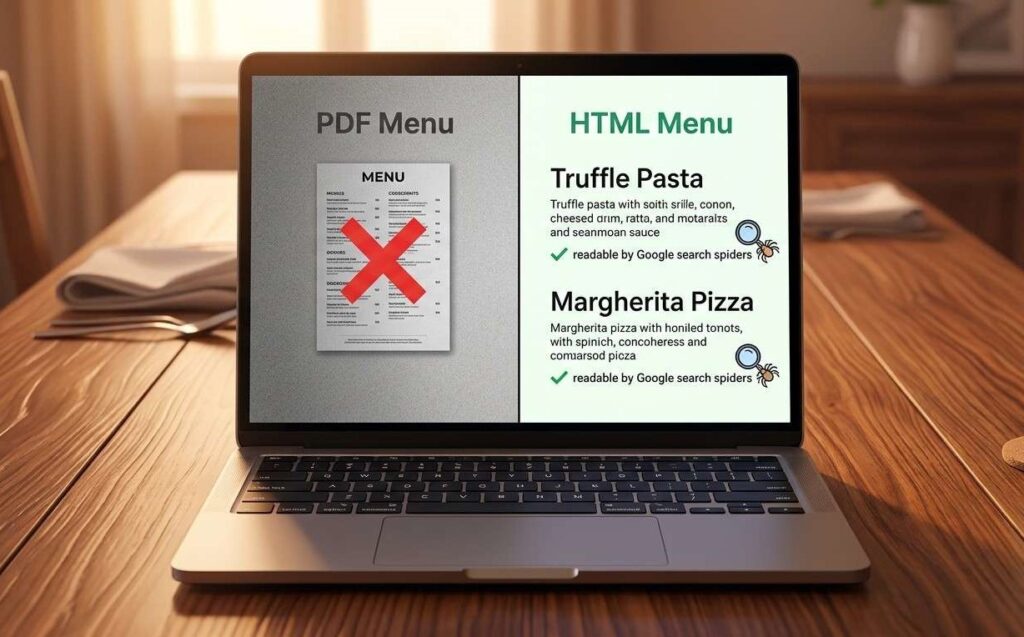
A well-ranking restaurant website usually needs four core pages at minimum. Your homepage should state your cuisine and your city in the first sentence. Write your menu page in plain HTML so Google can read every dish and ingredient. Your about page tells your story, names your team and mentions your neighborhood. Your contact page needs your full address, phone number and an embedded Google Map.
Why your HTML menu page is a ranking opportunity you’re ignoring
Google cannot index a PDF. Every dish name, ingredient and description inside your PDF menu is completely invisible to search engines. Switch to a plain HTML menu page and you give Google hundreds of readable, indexable words. That’s free organic ranking potential sitting unused every day the PDF stays live.
How one location page can help you rank across nearby neighborhoods
If your restaurant sits near two or three neighborhoods, write a short page for each one. “Best dim sum in Chinatown” can rank on its own. So can “Chinese restaurant near the Financial District.” Build a focused page around each phrase, keep every page honest and aim for at least 300 words. Don’t copy and paste the same text with just the neighborhood name swapped.
Why a slow mobile site drives diners straight to your competition
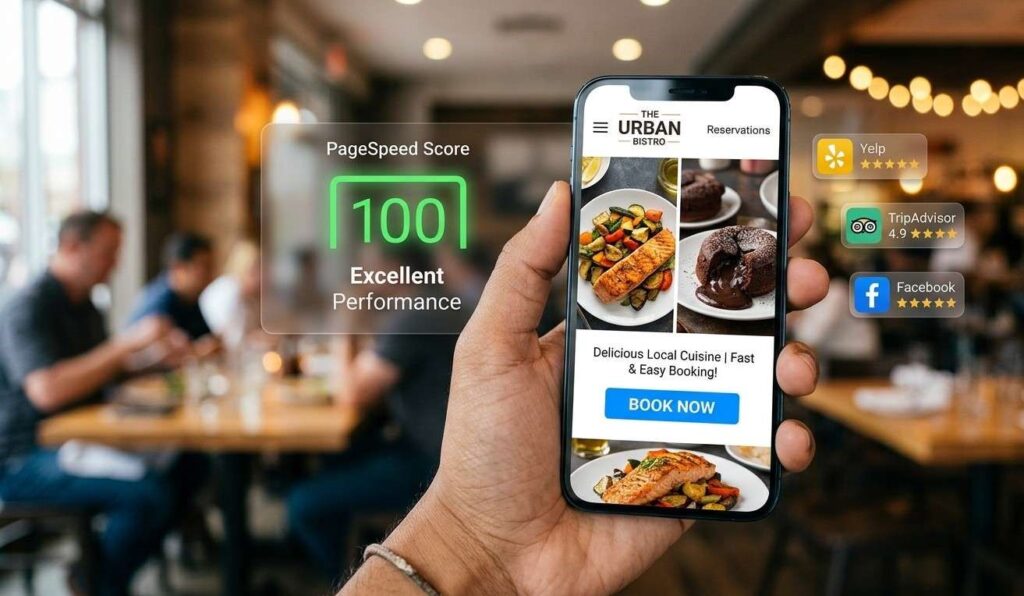
Page speed is an official Google ranking factor. A site loading in under two seconds gets a real edge over one that takes five. And for restaurants, a slow site means a hungry person closes your tab and opens your competitor’s instead.
Most restaurant sites slow down because of oversized image files. A high-quality food photo can weigh 8 to 10 megabytes on its own. Compress every photo before uploading. Aim for files under 200 kilobytes each. Free tools like TinyPNG handle this in seconds.
Mobile speed matters even more than desktop for local food searches. Think with Google’s food and beverage search data confirms that most food-related searches happen on a phone. If your site isn’t clean on a small screen, you lose guests before they reach your menu.
Check your speed for free using Google’s PageSpeed Insights tool. It scores your site out of 100 and tells you exactly what’s slowing it down. Fix the biggest items first. Even moving from 40 to 65 changes how Google treats your pages.
Also walk through your own site on your phone. Can a visitor find your hours in under five seconds? Can they tap your number to call directly? Those two tests reveal a lot about where you stand right now.
How to build local authority for your restaurant without spending a cent
Local authority is the trust Google has in your restaurant. Google builds that trust when it sees your name, address and phone number appear consistently across the web. Every correct listing on another site signals to Google that you’re a real, established business.
Start with the free directories that carry real weight: Yelp, TripAdvisor, OpenTable and Facebook. Make your name, address and phone number exactly the same on every single one. Even a difference like “St.” versus “Street” confuses Google and hurts your local ranking.
Next, focus on reviews. Reviews rank among the strongest local ranking signals, according to Moz’s annual local search ranking factors research. Ask every happy guest for a Google review before they leave. You don’t need to pressure anyone. Try saying “A quick Google review really helps us” at the end of the meal. Most guests are happy to help.
You can also build local links by connecting with nearby businesses. Sponsor a neighborhood event. Get mentioned in a local food blog. Join your area’s business association. Every time a local site links to yours, Google reads that as a small vote of confidence.
Our restaurant marketing services cover this whole process. That includes your Google Business Profile, local citations and link building. AI-powered search is also changing how restaurants get found. Our SEO, GEO and AEO services page explains what that shift means for your restaurant right now. You don’t need to tackle all of this today. Pick one thing from this post and act on it right now. Fix your Google Business Profile or swap that PDF menu for a proper HTML page. If you want help doing this properly, book a free call with Adnnel. We’ll take a look at your site together.
Frequently Asked Questions
Q: How do I get my restaurant on the first page of Google?
Start with your Google Business Profile. Fill every field completely, upload fresh photos and collect reviews from happy guests consistently. Then add local keywords to your homepage title, your main heading and your first paragraph. Build consistent listings on Yelp, TripAdvisor and similar directories. These actions compound and most local restaurants start climbing within three to six months.
Q: What are the most important SEO keywords for restaurants?
The best restaurant keywords combine your cuisine with your location. Think “best brunch in [your city]” or “[cuisine] near [neighborhood].” Avoid broad terms like “restaurant” without a location attached. Use Google’s free Keyword Planner to check how often people search each phrase near you. Focus on local phrases with real search volume and limited competition.
Q: Do restaurants need a blog for SEO?
A blog is not required. But one focused post per month gives Google fresh content and helps you rank for extra keywords. Good topics include:
- What to order on your first visit to [your restaurant name]
- The story behind your most popular dish
- Best places for a family dinner in [your city]
Keep each post honest, specific and at least 500 words long. For more ideas, browse our marketing blog where we share practical tips for restaurant owners.
Q: How do I optimise my Google My Business for a restaurant?
Here are the five highest-impact steps:
- Pick the most specific category, like “Italian Restaurant” not just “Restaurant”
- Add at least 10 photos covering food, your interior and the outside of the building
- Fill in your hours, menu link and website URL completely
- Post a short update or a new food photo at least once a week
- Reply to every review within 24 hours
Q: What is local SEO and how does it help restaurants?
Local SEO is how you tell Google your restaurant belongs in searches from people nearby. It covers your Google Business Profile, your website content and your listings on review and directory sites. When someone searches “dinner near me,” local SEO puts your name in their results ahead of a competitor’s. It turns online searches into real table bookings.
Q: How long does SEO take for a restaurant website?
Your Google Business Profile can rank better within a few weeks of optimizing it. Website rankings take 3 to 6 months. Google needs time to crawl, index and trust your content. The restaurants that win at SEO start early and stay consistent. Don’t quit after a month or two. The ones who keep going are the ones who land on page one.