Quick answer — A social media content calendar for restaurants is a weekly or monthly plan that maps out what to post, on which platform and when. Start by choosing 3 to 4 content themes — like behind-the-scenes, dish features, reviews and promos — then assign each to specific days. Batch-create your content one week ahead and schedule it in a free tool like Meta Business Suite.
Your food is great. Your dining room looks the part. But your Instagram has not been updated since last month, and your Facebook page still shows last year’s holiday special. A social media content calendar for restaurants fixes this problem before it costs you tables — and it takes less than two hours a week to run once it is set up.
- A social media content calendar for restaurants removes the daily guesswork about what to post.
- Instagram and Facebook are the two highest-priority platforms for most independent restaurants.
- Post 4 to 5 times per week using 3 to 4 repeating restaurant content ideas as your content pillars.
- Batch-create one week’s content in a single 90-minute session, then schedule everything in advance.
- A dedicated social media manager for your restaurant pays off faster than most owners expect.
Why a Social Media Content Calendar for Restaurants Changes Everything
According to Deloitte Digital’s 2025 State of Social report, restaurants with active social media strategies saw an average 9.9% increase in direct consumer revenue in 2024. For a restaurant doing $600,000 a year, that is nearly $60,000 in attributable growth. The posts that drove that revenue did not come from inspiration. They came from a plan.
Without a calendar, most restaurant owners post when they remember. That means heavy weeks and dead weeks, with no strategic logic connecting one post to the next. Customers notice the gaps. Algorithms penalise the inconsistency. Reach drops, and the account slowly becomes invisible.
A social media content calendar for restaurants solves this by giving every week a structure. You decide once what the week looks like. After that, execution is mechanical. The creative thinking is front-loaded, so when Tuesday morning arrives you are not staring at your phone wondering what to post.
The second benefit is tone. A calendar forces you to think about the full picture: do you have a mix of promotional posts and personality-driven content? Are you only posting food photos and nothing else? A plan reveals blind spots that daily posting never would.
Choose the Right Platforms Before You Plan Restaurant Content Ideas
Not every platform deserves your time. For most independent restaurants, the answer is Instagram first and Facebook second. About 60% of consumers use Instagram to find new restaurants, and Facebook remains the top platform for event discovery and local community engagement.
TikTok is worth adding if your team can produce short videos consistently. A 30-second kitchen clip or a satisfying dish assembly earns enormous reach with zero ad spend. However, TikTok requires a video-first commitment. If you cannot produce at least two videos a week, skip it for now and revisit in six months.
Pinterest performs well for restaurants with a strong visual identity and a seasonal menu. If your dishes photograph beautifully and you change specials often, Pinterest boards can drive discovery traffic from users planning meals and events.
Start with two platforms and do them well. A well-run Instagram and Facebook presence outperforms a mediocre presence across five platforms every time. Once posting feels effortless on two, you can expand.
Build Your Content Pillars: The Backbone of Your Restaurant Content Ideas
Content pillars are your repeating post categories. They give your calendar structure without forcing you to invent something new every day. For restaurants, four pillars cover almost everything your audience wants to see.
The first pillar is dish features. These are your money posts: a clean photo or short video of a signature dish, a seasonal special or a new menu item. Aim for two dish feature posts per week. Strong natural lighting and a simple background beat expensive food photography in most cases.
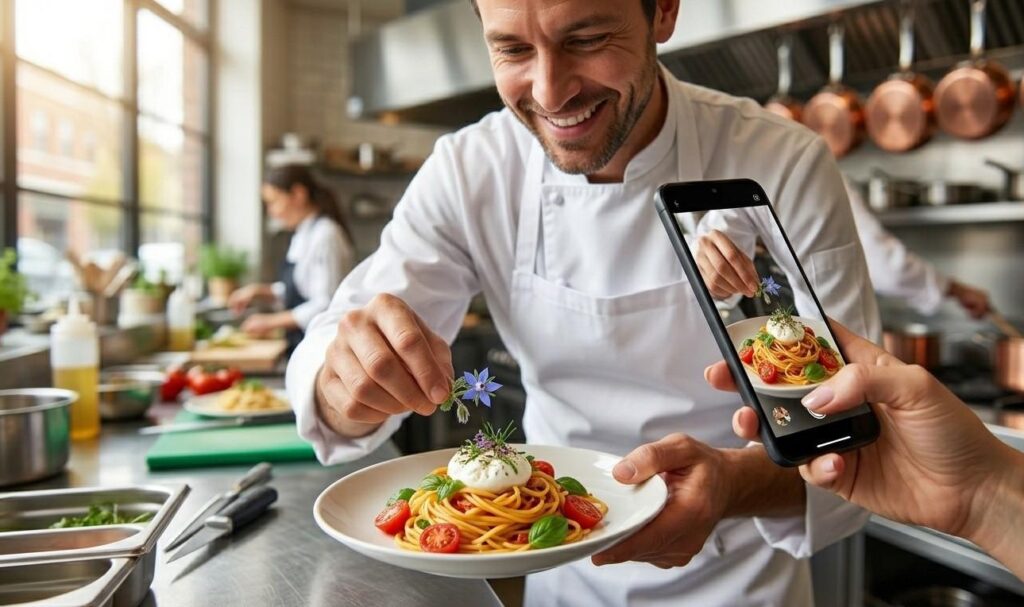
The second pillar is behind-the-scenes content. Show your kitchen team prepping, your chef explaining a technique or your front-of-house setting up for service. These posts build trust and make your restaurant feel like a place, not just a menu.
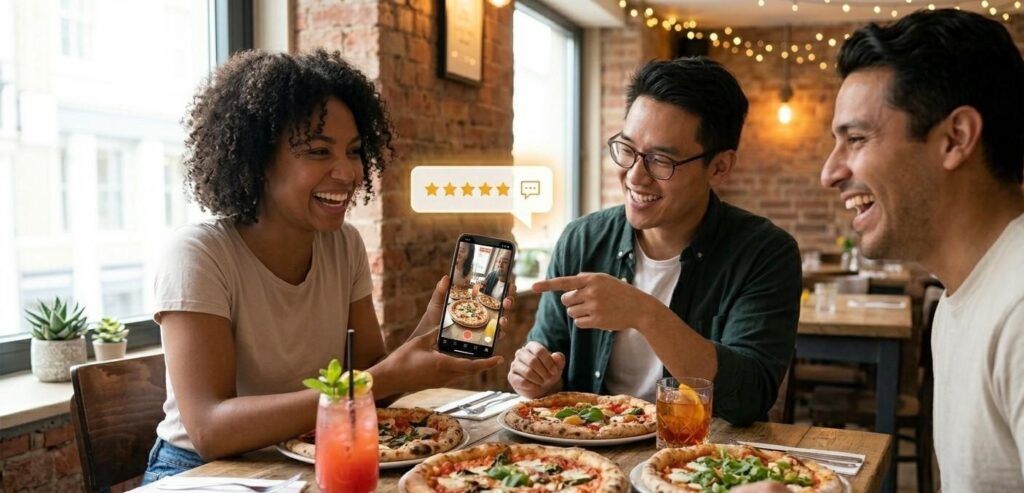
The third pillar is social proof. Repost a customer photo, share a positive Google review or quote a compliment from a recent diner. User-generated content converts at a higher rate than brand-produced content because it reads as a genuine recommendation.
The fourth pillar is offers and events. This covers weekly specials, happy hour reminders, upcoming themed nights and reservation prompts. Keep this to one post per week. More than that and your page starts to feel like an ad channel, which drives followers away.
How to Build a Social Media Content Calendar for Restaurants Step by Step
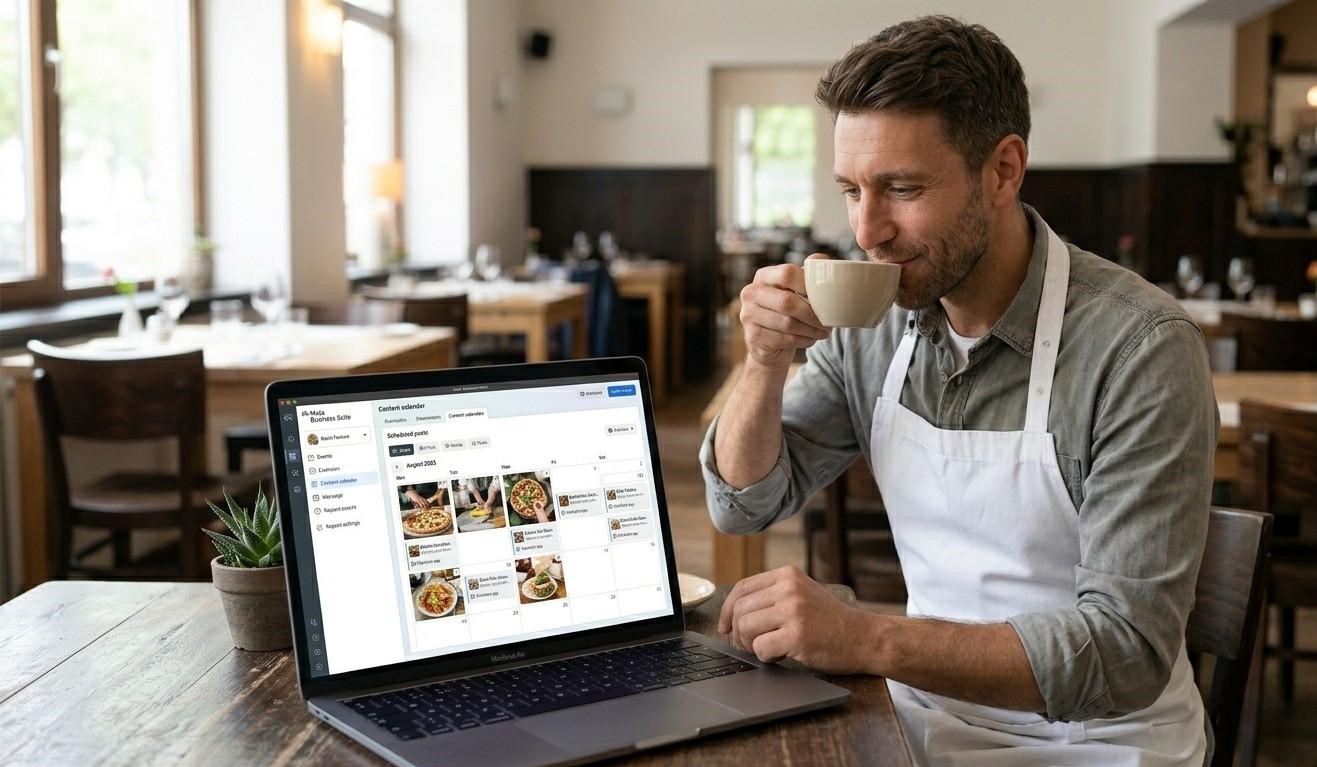
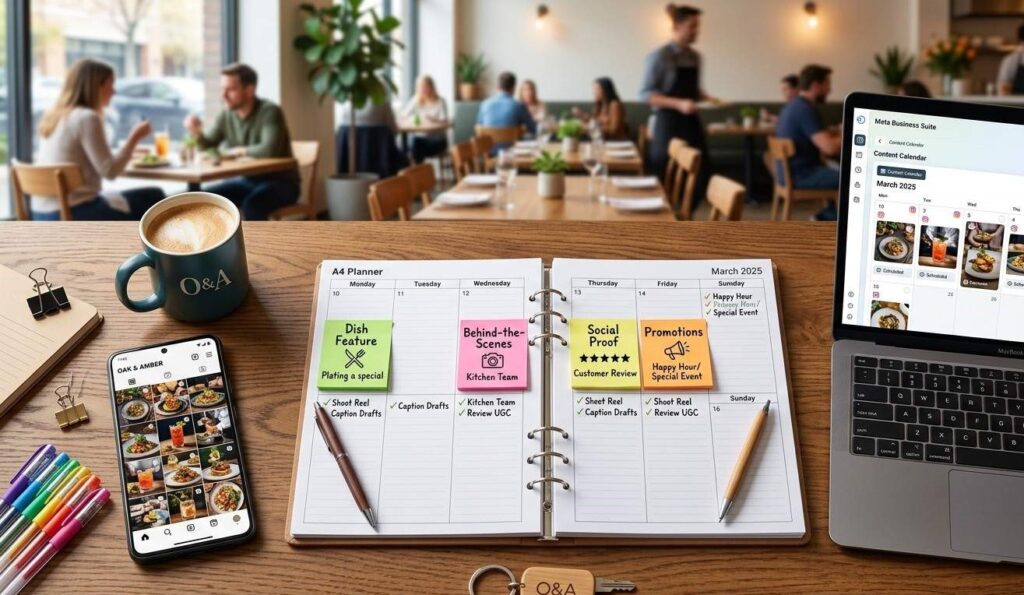
Open a free Google Sheet or use Meta Business Suite’s content planner. Create columns for date, platform, post type (which pillar), caption draft, visual asset and scheduled time. That is your calendar template.
Next, map your pillars to days. For a four-day-per-week schedule on Instagram, a practical layout looks like this: Monday gets a dish feature, Wednesday gets a behind-the-scenes post, Friday gets social proof and Sunday gets an offer or event reminder. This pattern is easy to remember and gives your feed a natural rhythm.
Then batch-create. Set aside 90 minutes every Monday morning. During that session, shoot your visuals for the week, write all four captions and schedule them in Meta Business Suite. The best posting times for restaurants on Instagram are 11am to 1pm and 7pm to 9pm, when people are actively thinking about food. Schedule accordingly.
Finally, review every four weeks. Look at which posts got the most saves, shares and profile visits — not just likes. Saves tell you which content people found useful enough to return to. That is the content worth repeating. For more tips on building your platform presence, see our
Instagram for Restaurants: What to Post and When
Instagram for restaurants works best when you treat it as a discovery channel, not a broadcasting tool. Your goal is to appear in the Explore feed and in location searches. That requires three things: consistent posting, strong visuals and the right account setup.
Switch your account to a Creator or Business profile. This unlocks Instagram Insights, which shows you exactly when your specific followers are online. Use that data to refine your posting times beyond the general guidelines.
Reels outperform static posts for reach by a significant margin. A 15 to 30-second Reel of a dish being plated, a cocktail being made or a kitchen moment will consistently reach more non-followers than any photo post. You do not need professional equipment. A clean counter, good natural light and a steady hand produce results.
For detailed platform tactics, our full guide on Instagram marketing for small restaurants covers hashtag strategy, Story scheduling and Reel production from scratch.
When Your Restaurant Needs a Dedicated Social Media Manager
Most restaurant owners manage their own social media at the start. That works fine for the first few months. However, there is a point where the time cost exceeds the value of doing it yourself. That point usually arrives when you are running a full dining room, managing staff and trying to remember to post before service starts.
The signs are clear: you post inconsistently because other fires get priority, your engagement is flat despite posting, or you have no idea which content is actually driving reservations. A social media manager for your restaurant removes all three problems at once.
A good social media manager does not just post photos. They track performance, build a month-ahead calendar, respond to comments and DMs and flag opportunities like trending audio on Reels or a local food event worth participating in. For restaurants in competitive markets, that strategic layer is what separates a growing audience from a stagnant one.
Our social media management service for restaurants includes full calendar management, content creation and monthly performance reports. If you want short-form video added to your mix, our AI video content service pairs directly with the social media package.
Frequently asked questions
How often should a restaurant post on social media?
Post 4 to 5 times per week on Instagram and Facebook combined. So that means roughly three times on Instagram and twice on Facebook, or split it evenly across both. Posting fewer than three times a week hurts your algorithmic reach, while posting more than once per day on a single platform usually reduces engagement per post. Consistency beats volume every time.
What should a restaurant post on Instagram?
For Instagram for restaurants, rotate across four content types: high-quality dish photos or Reels, behind-the-scenes kitchen content, customer reviews or user-generated photos and weekly specials or events. Reels reach the most non-followers, so include at least one short video per week. Your social media content calendar for restaurants should map each post type to a specific day so nothing gets skipped.
How far in advance should I plan restaurant social content?
Plan one week ahead as a minimum. A two-week rolling calendar is better because it gives you time to react to last-minute specials, events or trending content without scrambling. Batch-create your content every Monday morning in a single 90-minute session. Use Meta Business Suite to schedule everything in advance so you are never posting on the fly during a busy service.
What is the best social media platform for restaurants?
Instagram is the best social media for restaurants in most markets because roughly 60% of consumers use it to find new places to eat. Facebook is a strong second for event promotion and older demographics. TikTok is worth adding if you can commit to regular short video content. Start with Instagram and Facebook, do both well, then expand to TikTok once your social media content calendar for restaurants runs smoothly.
How do I create a month of restaurant content ideas?
Start with your four content pillars: dish features, behind-the-scenes moments, social proof and promotions. Map each pillar to specific days of the week, then fill in each slot with a specific idea based on your menu, upcoming events and seasonal specials. That gives you 16 to 20 posts for the month before you have written a single caption. Your restaurant content ideas will always feel varied because the pillars force you to rotate.
Should a restaurant hire someone to manage social media?
Yes, once social media management starts pulling you away from running your restaurant. A social media manager for your restaurant handles content creation, scheduling, engagement and performance tracking. The time you recover goes back into service and operations. For a restaurant doing consistent volume, the return on professional social media management typically outweighs the cost within the first 90 days of consistent, strategic posting.